
Most no-code products have one tricky aspect.
As long as the user is dragging and dropping blocks, setting up triggers, selecting actions, and connecting logic on the canvas—everything looks simple, intuitive, and even fun. But as soon as they need to do something a little more complex, the pain begins.
How to check a condition?
How to assemble text from variables?
Calculate XP using a formula? But how?
Compare roles, channels, numbers, strings, dates.
Do “if the user clicked the button and has the required role - show one thing; otherwise, show another.”
And that’s when many “no-code” products suddenly say:
“And now, buddy, write an expression.”
In other words, the entire product up to that point was “no-code,” but at the most crucial moment, the user is presented with a mini-language, brackets, functions, operators, and the feeling that they’ve accidentally wandered into an IDE instead of a bot builder.
That’s exactly why a Scratch-like approach to building JS-like expressions isn’t just a convenient feature. For the Discord audience, it’s perhaps the most natural way to go.
Discord users don’t want to “write code.” They want to “make it work.”
That’s a very important difference.
Someone setting up a Discord bot for a server usually doesn’t think in terms of syntax. They don’t sit there minding in their head:
hasRole(user, “member”) && lower(user.username).length > 5
They think like this:
if the user has the Member role
if their username is longer than 5 characters
if they clicked this specific button
if they’re in this specific channel
if less than 10 minutes have passed
if the level is greater than 5
In other words, their thinking is already block-based. Already visual. Already “build a rule from pieces.”
This is exactly where the Scratch-like model perfectly meets the user’s expectations.
Not because “Scratch is for kids.” But because for many years, Scratch has taught people one very important thing: logic can be built from understandable, visible, and compatible parts.
And for the Discord audience, this is especially important. Because this isn’t an audience that wants to learn a programming language just for the sake of learning a programming language. This is an audience that wants to quickly BUILD for THEIR community!
When paople hear “Scratch-like,” many immediately picture a school-style editor with huge colorful blocks and a “toy-like” feel.
But the value here isn’t in Scratch’s visual style. The value is in its mental model.
A good Scratch-like expression builder gives the user several very powerful things:
First, it shows what’s being built from what.
Not magic, not a string of symbols, but an explicit structure.
Second, it makes types obvious.
A string goes into a string. A condition goes into a condition. A number goes into a math block. A Boolean value goes into a logic slot.
Third, it reduces the fear of making mistakes.
The user doesn’t think: “Do I need quotes here? Or && or and? And why did everything break because of a single parenthesis?”
They simply assemble an expression from compatible parts.
This is exactly what a Discord user needs: not “more possibilities through syntax,” but “more possibilities without the stress of syntax.”
Why this works especially well in Discord
Discord isn’t Excel. It isn’t a backend dashboard. It isn’t a BI system.
In Discord, people build things that closely mirror the dynamic behavior of a community:
roles and permissions, welcome flow, verification flow, auto-replies, moderation, levels and XP, buttons and menus, etc…
These are all small rules of behavior.
And rules of behavior are best expressed not through code, but through visual logic.
For example, a user doesn’t want to write something like:
hasRole(context.user, “member”) && context.channel.id === “123” && user.level >= 5
They want to see it as:
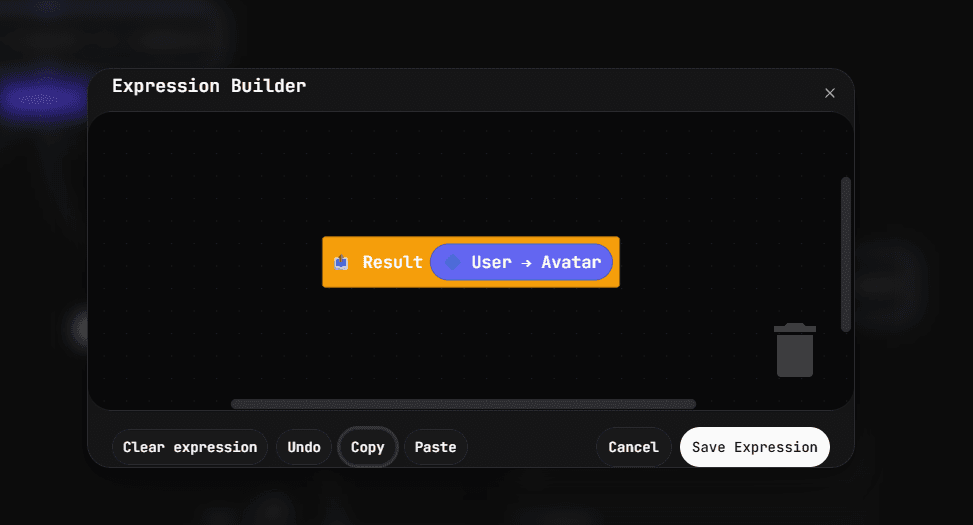
[User has role “Member”] AND [Current channel is #rules] AND [User level >= 5]
That’s a huge difference.
The first option requires familiarity with the syntax.
The second option requires only an understanding of the task at hand.
And that’s exactly what people want on Discord: not to study the platform’s inner workings, but to quickly bring ideas for the server to life.