Embeds
 FromFlow Get Started
 No-code Discord bot builder
Creez gratuitement votre propre bot Discord avec FromFlow, sans ecrire une seule ligne de code. Agent IA, modeles prets a l'emploi et hebergement inclus.
Built for real servers
Embeds
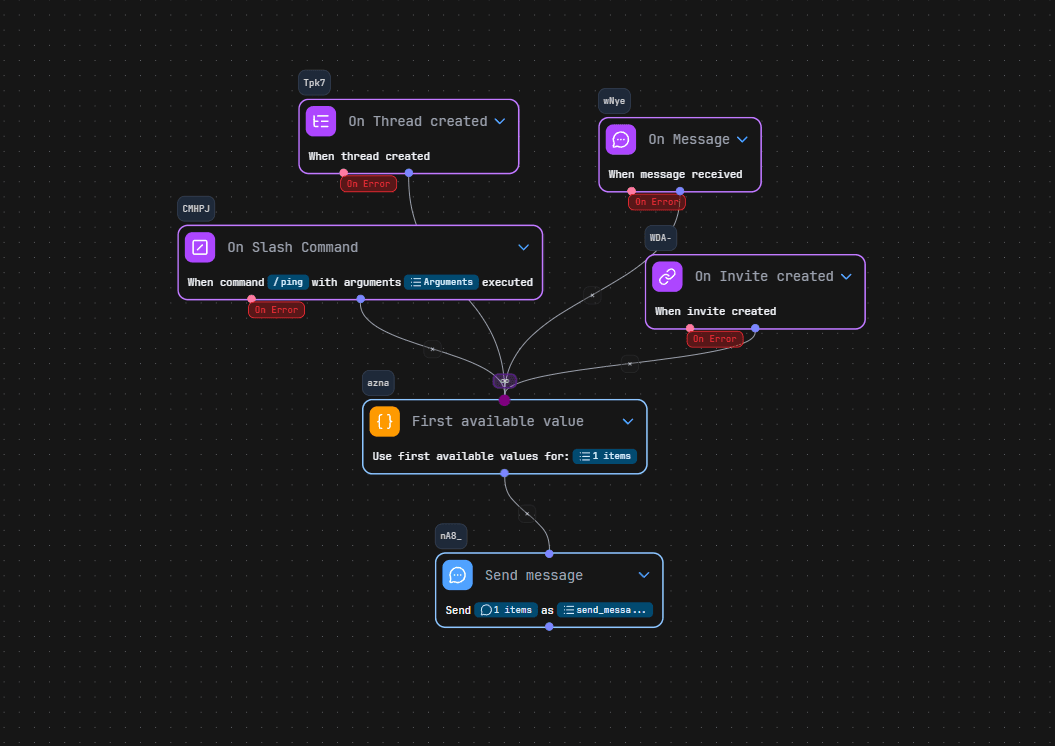
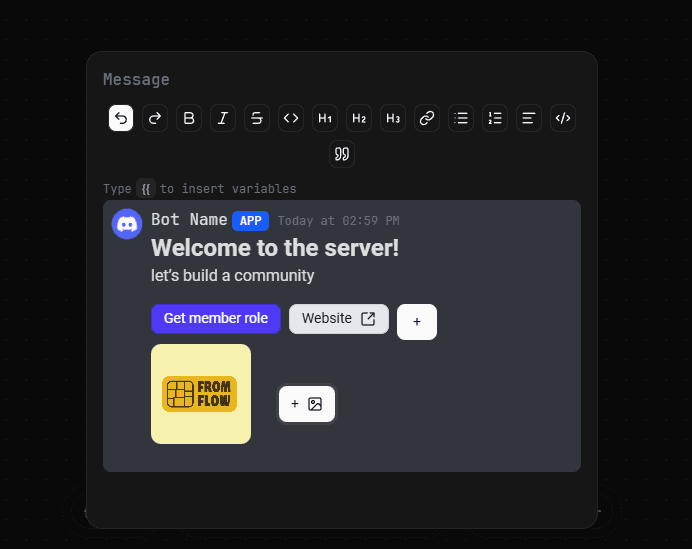
Écrivez vos messages divergents dans le nouveau style Components V2.
Get started
Everything included
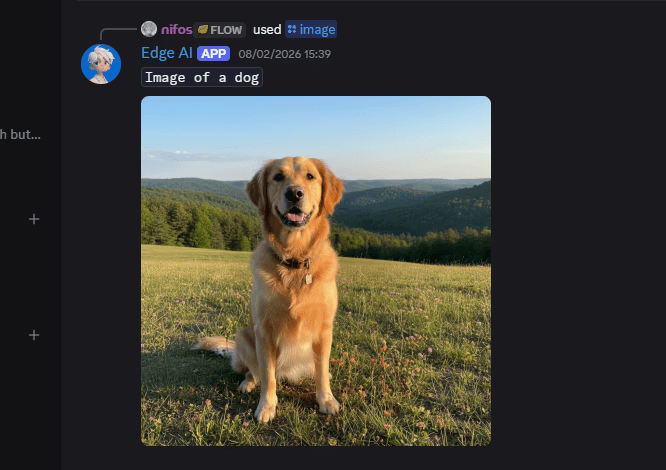
Support workflows
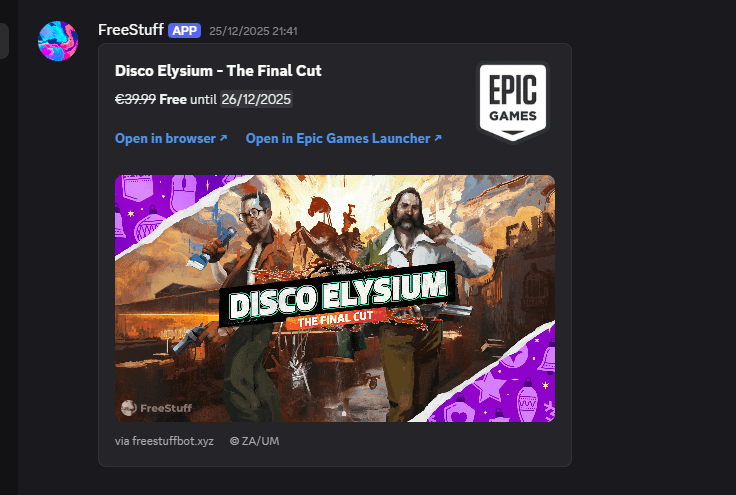
Application reviews
Custom bot identity
FAQ
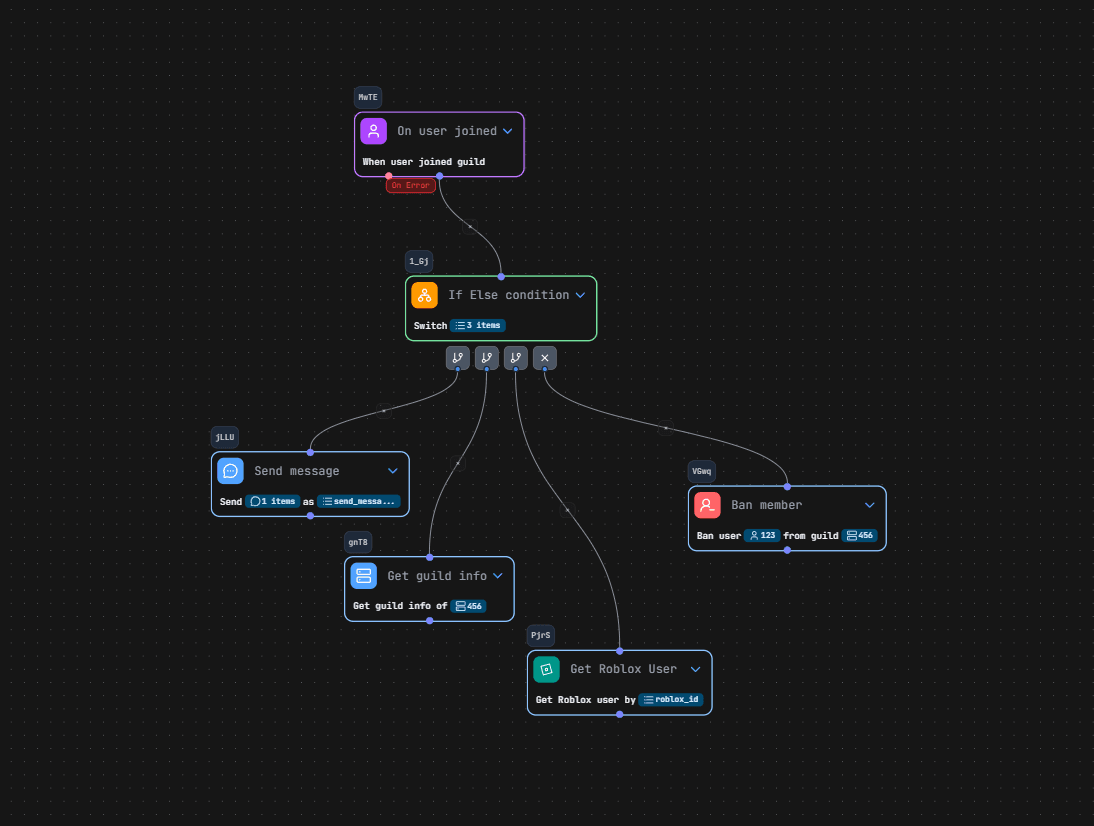
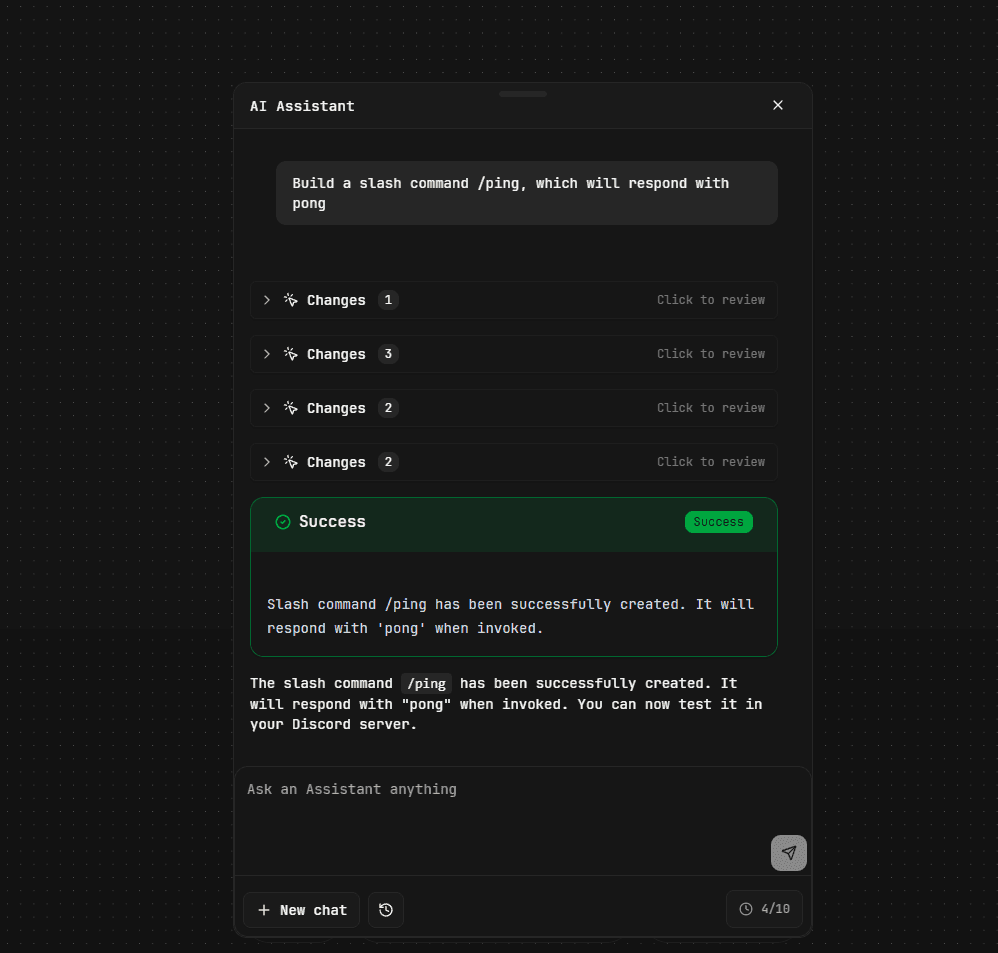
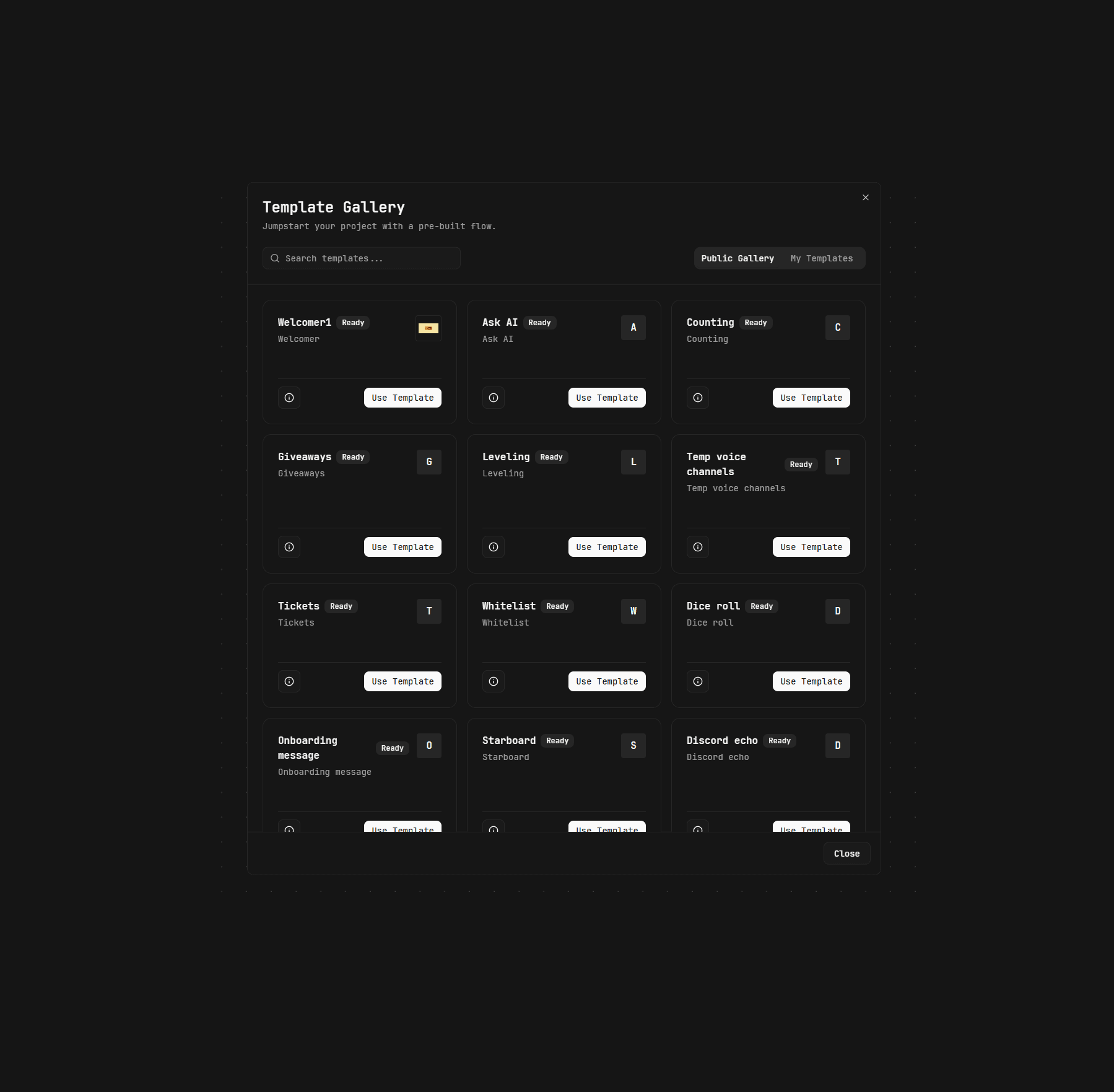
FromFlow is a visual Discord bot builder — no coding required. You build bot logic using a drag-and-drop flow editor, connect events, commands, and actions, and FromFlow handles the rest. Think of it as "Zapier for Discord bots." or Scratch. Just sign up, pick a template or start from scratch, and your bot is live in minutes.
Zero. FromFlow was built specifically for people who have no programming background. The visual editor lets you connect blocks and logic in a way that feels natural. If you can describe what you want your bot to do — FromFlow can help you build it.
Yes — you can build and run a Discord bot completely for free. The free plan includes 24/7 bot hosting, the visual editor, templates, and the AI Agent. No credit card needed to get started.
Almost anything — moderation bots, economy systems, leveling bots, welcome bots, minigames, quests, custom commands, role assignment, and more. FromFlow comes with an integrated database so you can store user data, points, inventories, and anything else your bot needs.
You can build real Discord features like slash commands, buttons/menus, embeds, and event-based automations—without writing code.
Yes. FromFlow supports team collaboration — you can invite members to your project and work together in the same editor. It's great for community managers and server teams who want to build and maintain bots together.